

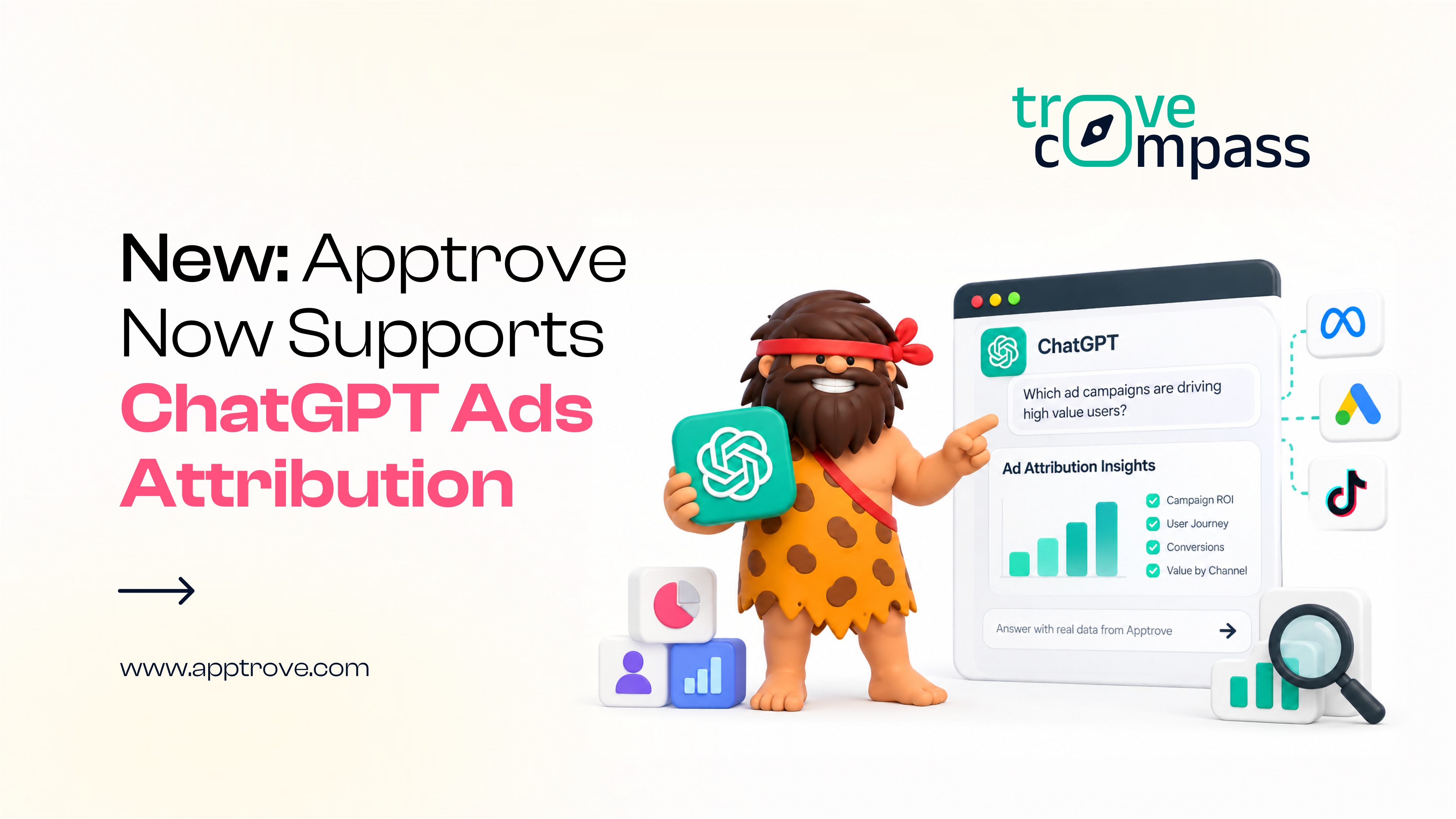
Now Live: ChatGPT Ads Attribution In Apptrove
Unified Attribution:
See ChatGPT Ads sitting inside the exact same view as every other channel
Hey there, {{ personalization_token('contact.firstname', 'Marketer') }}
{{ include_custom_fonts({"Apptrove Clash Display":["Light","Medium","Regular","Semi Bold"]}) }}.png)
.png)
.png)
One more channel. Zero extra dashboards to manage.
You can now track installs, in-app events, and post-install outcomes from ChatGPT Ads directly inside Apptrove, right alongside Google, Meta, and every other channel you already run. And with Apptrove MCP, you don't even need to open a dashboard to check it. Ask Claude, ChatGPT, or Cursor a plain question, "How are my ChatGPT Ads performing this week?", and get a direct answer, pulled straight from your account.
{{ include_custom_fonts({"Apptrove Clash Display":["Light","Medium","Regular","Semi Bold"]}) }}
Ask AI Directly:
Query performance the way you'd casually ask a colleague, no dashboard required
Install Tracking:
Know exactly which ChatGPT Ads are turning into real, attributed app installs
{{ include_custom_fonts({"Apptrove Clash Display":["Light","Medium","Regular","Semi Bold"]}) }}
This isn't a separate tool to learn; it's the same attribution infrastructure Apptrove already runs for every channel, now extended to ChatGPT Ads, with a conversational way to query it. Connect once, and "how's ChatGPT Ads doing" becomes a question you can just ask.
{{ include_custom_fonts({"Apptrove Clash Display":["Light","Medium","Regular","Semi Bold"]}) }}
Explore Attribution
Set Up Apptrove MCP
No dashboard needed, just ask Claude, ChatGPT, or Cursor directly.
Preview Text This will be used as the preview text that displays in some email clients